
DNS-over-HTTPS request failed to obtain valid SSL certificate from server
The issue started this morning and it seems to be a problem with the SSL certificate in some instances of dns.nextdns.io.
Windows is logging DNS Client Events error 8048:
DNS-over-HTTPS request failed to obtain valid SSL certificate from server 45.90.28.0, with template https://dns.nextdns.io/XXXXX/YYYYYY, due to: unfamiliar Certificate Authority;. WinHTTP flags: 0x8
YogaDNS reports a similar error:
OpenURL error 12045: The certificate authority is invalid or incorrect, URL=https://yoga.dns.nextdns.io/XXXXX/YYYYYY?body_hash=zzzzzzz
As a workaround I changed the fallback DNS in Windows to use plain DNS for 45.90.28.155 so I'm able to work but this is far from ideal.
Please advice.
10 replies
-
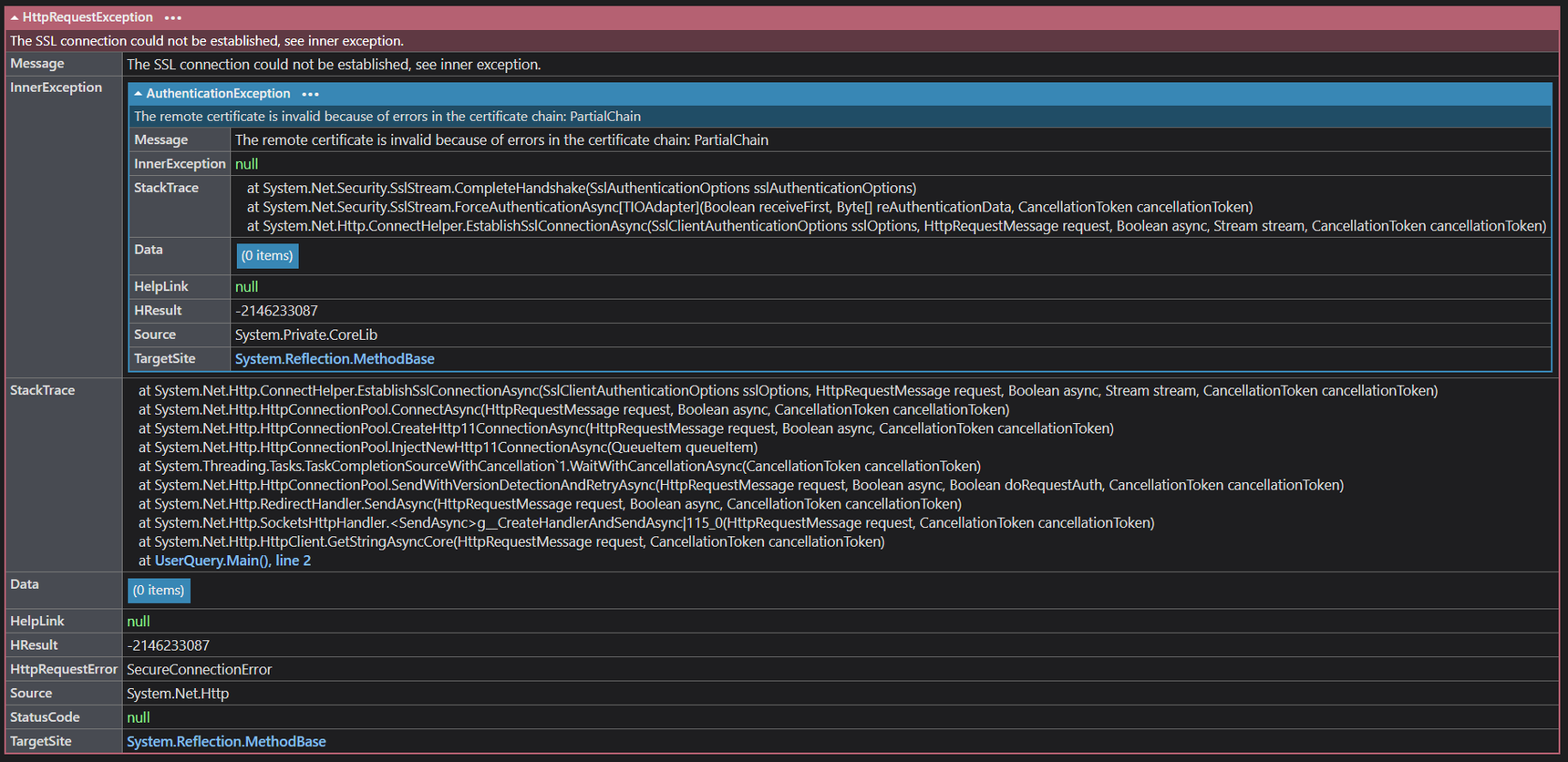
Tried making the call from C#:
using var http = new HttpClient(); var resp = await http.GetStringAsync("https://dns.nextdns.io/info");This produces a HttpRequestException:
The SSL connection could not be established, see inner exception.
AuthenticationException:
The remote certificate is invalid because of errors in the certificate chain: PartialChain
-
Support on vacation? 🤨
-
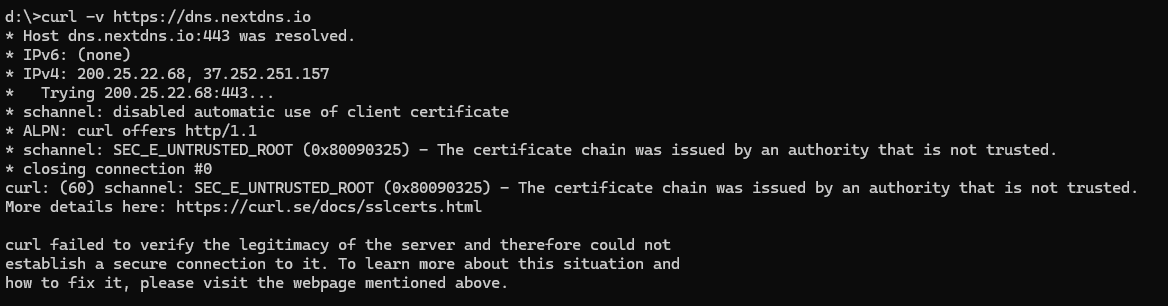
Problem: Windows was missing the "USERTrust ECC Certification Authority" (Sectigo ECC) root cert.
Solution: Import the cert from another PC.
The Friday-working-to-Monday-not-working thing I'll chalk it up to some update in NextDNS servers that would have been fine if not for the missing cert.
EDIT: No idea why the cert was missing. Will investigate next time I have a free moment.
-
Cause: Windows was set not to update root certificates.
Check if:
Key: HKLM\Software\Policies\Microsoft\SystemCertificates\AuthRoot
Value: DisableRootAutoUpdate = 1
gpedit:
Computer Configuration/
Administrative Templates/
System/
Internet Communication Management/
Internet Communication settings/
Turn off Automatic Root Certificate Update
That should help but I cannot confirm since I already imported the cert.
Content aside
-
1
Votes
- 4 mths agoLast active
- 10Replies
- 291Views
-
2
Following