
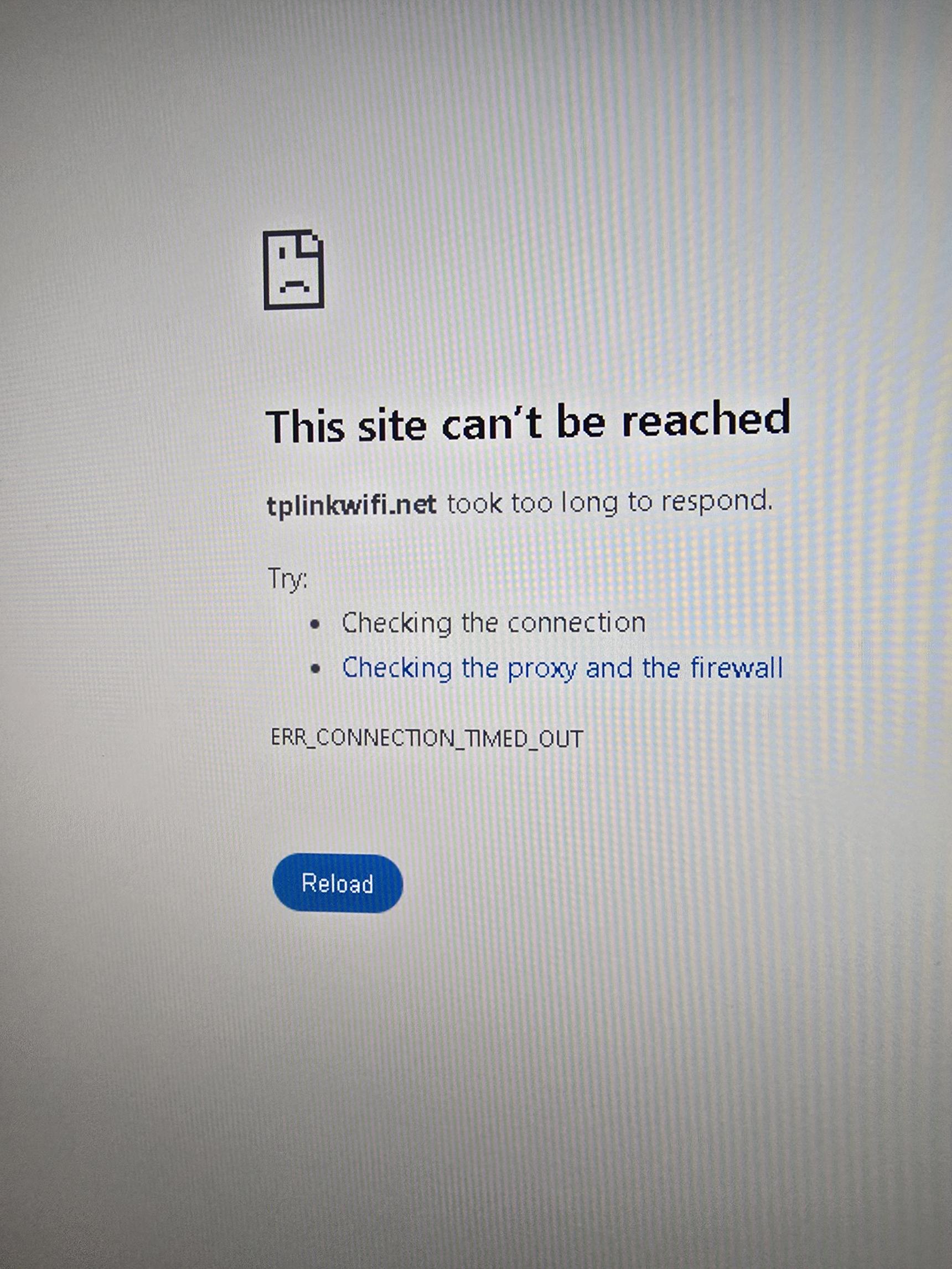
Set up the dns on chrome now I cant access my router. I have the router set to where only that device can access tplink.
Is there a way to resolve this?
8 replies
-
You might need to turn off DNS rebinding protection (in the NextDNS Security settings) if you have that enabled, because that will prevent hostnames from resolving to private network IP addresses. So if TPLink has a hostname that resolves to their default router IP address, that won't work with DNS rebinding protection turned on.
-
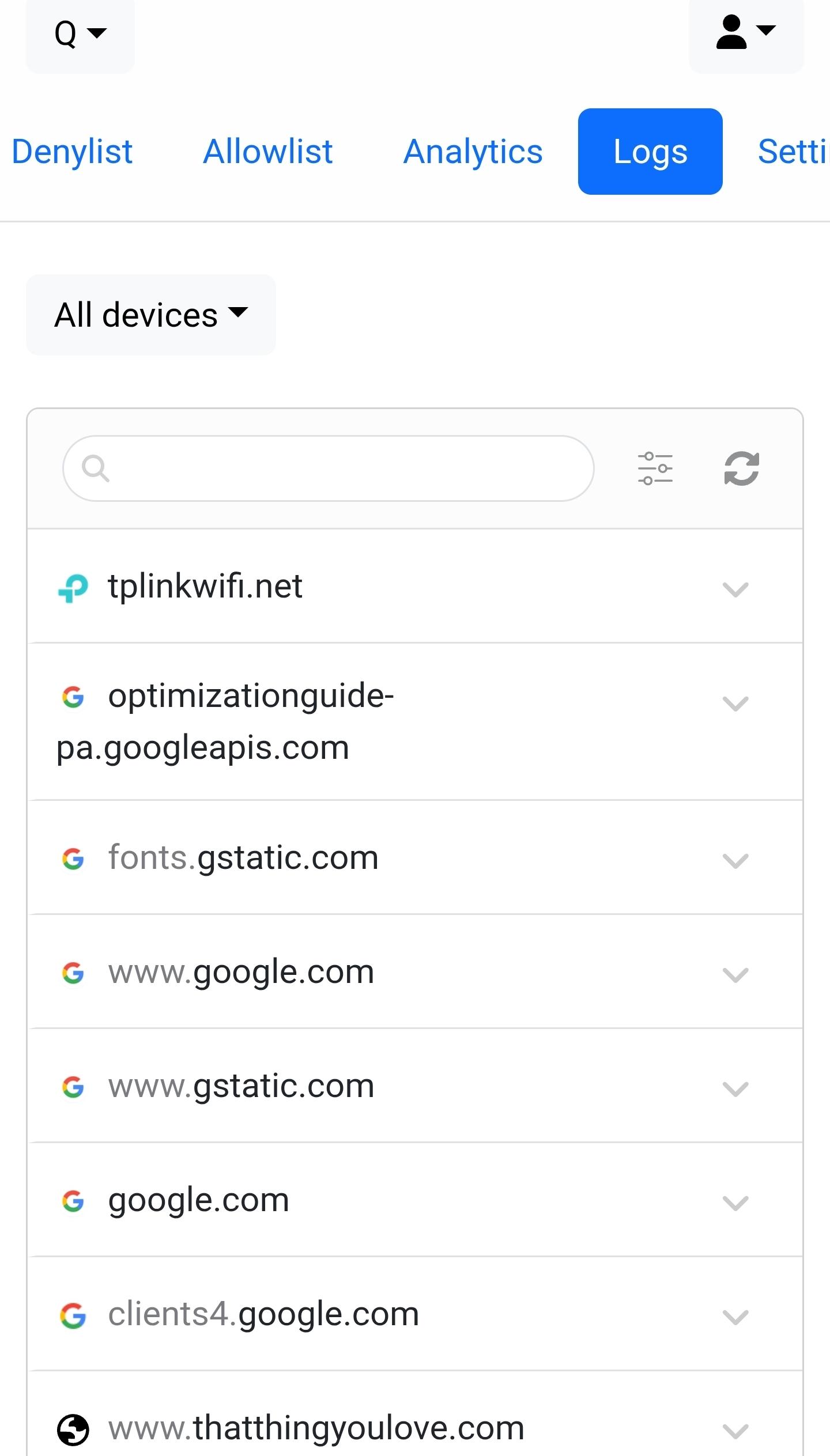
I would look at your NextDNS logs then (assuming you have logs enabled) and maybe there's a blocklist blocking it (also assuming you have a blocklist enabled).
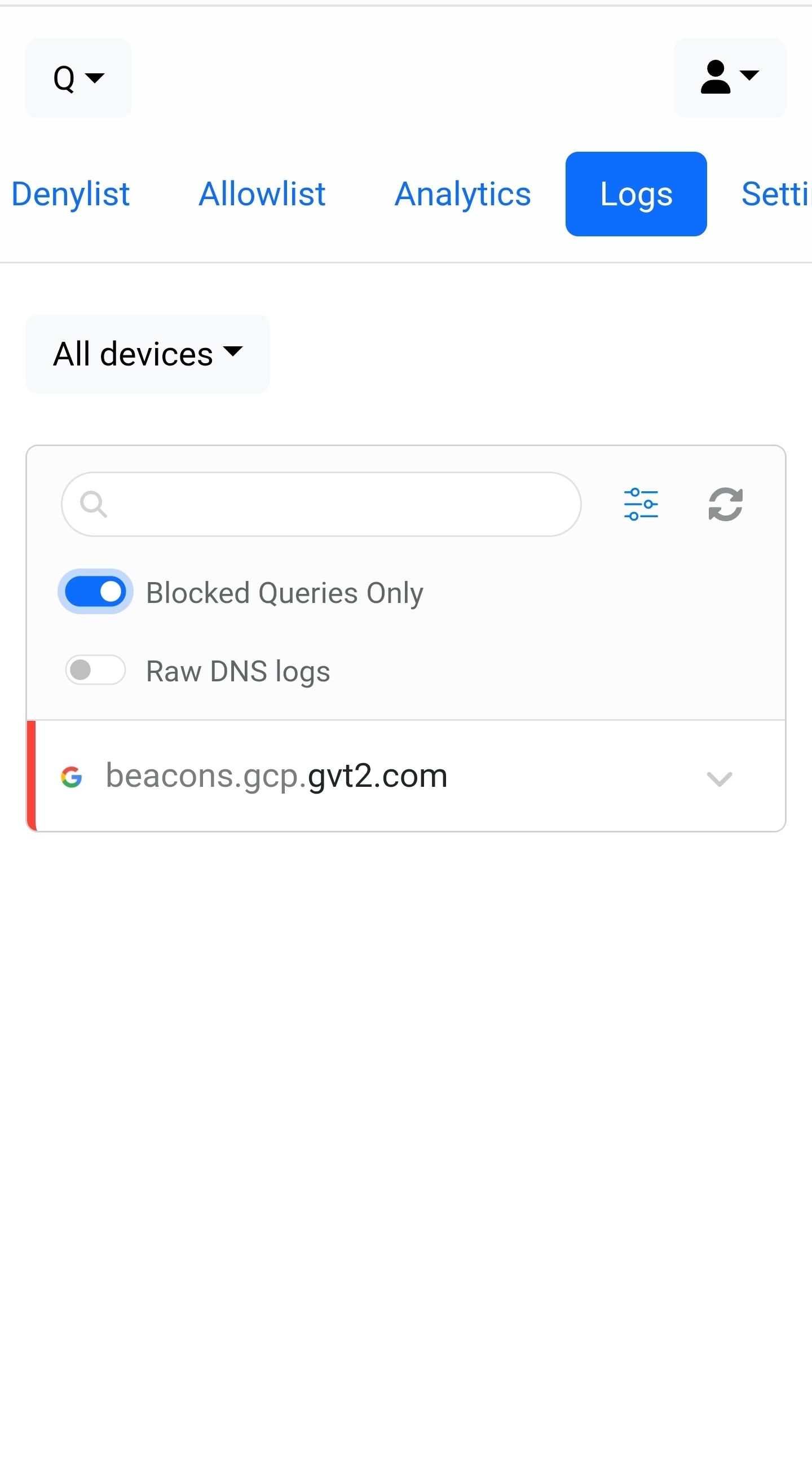
Click the Logs tab, click the Settings button...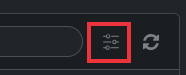
Then turn on the Blocked Queries Only option and see if your router name shows up in the list. If it does show up there, you can go to the Allowlist tab and add your router name there and it should be allowed going forward.
-
I really appreciate the help. That didnt work either
-
Not sure then... maybe someone else might have some ideas. I've never had a TP-Link router, so don't have any first-hand experience.
My workaround would be to browse to the IP address of the router, usually 192.168.0.1 or 192.168.1.1, and see if that works. Not as elegant a solution, but it should work.
Content aside
- 2 mths agoLast active
- 8Replies
- 92Views
-
2
Following