
Synology DDNS hostname not being picked up by NextDNS servers
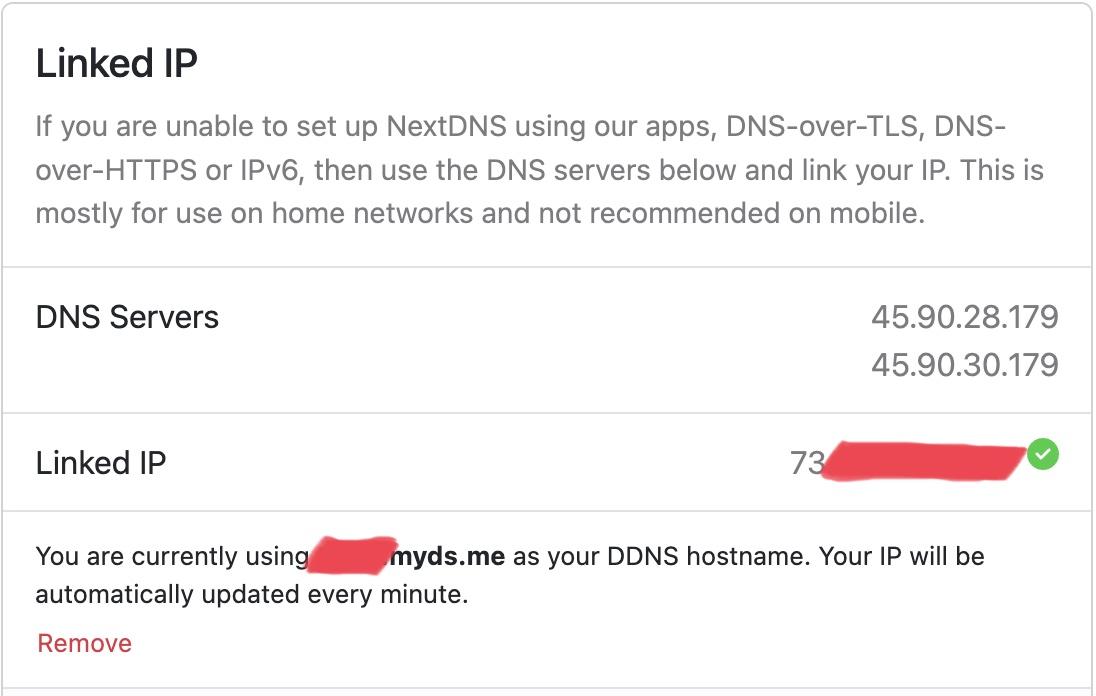
I have been using NextDNS for a few years and a Synology NAS for long while. At some point recently NextDNS servers stopped resolving my Synology DDNS hostname. nslookup on my Synology DDNS hostname returns 0.0.0.0 when I use the NextDNS servers however nslookup using google or cloudfare dns servers resolve fine. How do I get this fixed?
4 replies
-
You are using it for years and still you didn't check the logs first...
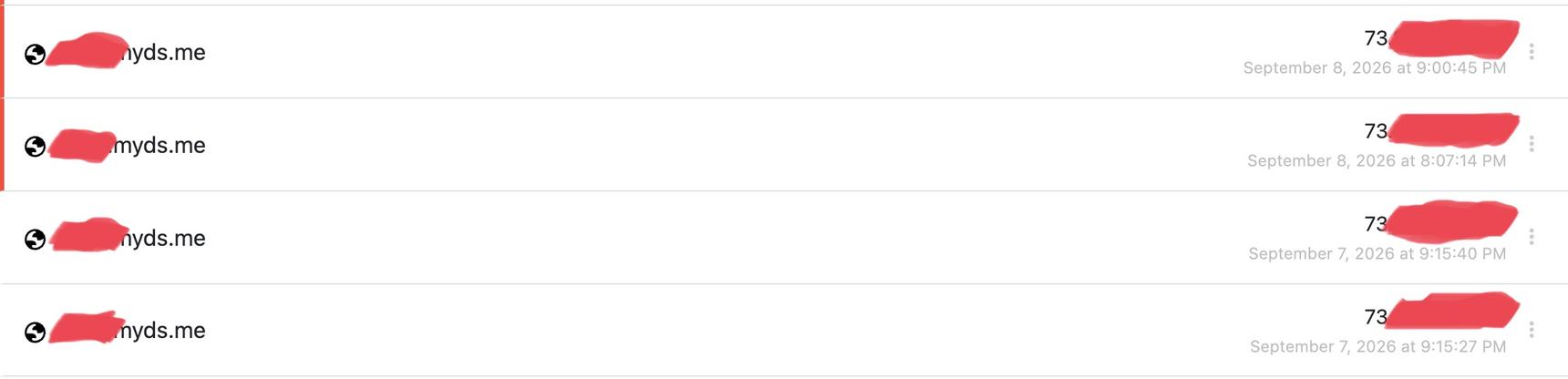
Check the logs, select to see «Blocked Queries Only» and most likely your DDNS it is blocked by Dynamic DNS Host names in the «Security» tab https://my.nextdns.io/security
If so you can either add your DDNS to the «Allowlist» or disable that function.
Some tools...
Replace YourID (the one from setup) and YourDDNS (xyz.synology.me) with yours
https://dns.nextdns.io/YourID?name=YourDDNS&type=A this will show what is the answer from NextDNS with your ID.
Or https://dns.nextdns.io/?name=YourDDNS&type=A this will show the answer as a public DNS, no filtering (like Google or Cloudflare).
You can replace YourDDNS with any domain.
Another useful tool (there are many things on this one, check it out) https://browserleaks.com/ip/YourDDNS or any other domain or IP, https://browserleaks.com/ip will show your IP or https://browserleaks.com/ip/12.34.56.78 will check the specified IP.
-
I don't know what changed but behind almost all of the options that can be enabled in Security, Privacy, Parental control there is a list and sometimes things are added that should not be.
When something gave me to much trouble I deactivate it or I add what I needed to the Allowlist and for a long time I have almost no issues. I only look occasionally to see what is going on.
What is "knowing" your DDNS is just a script that doesn't control anything else. Not everything is the system, there are different systems combined to look like one. Or something, what do I know...
Content aside
- 18 min agoLast active
- 4Replies
- 23Views
-
1
Following